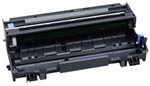
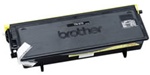
After installing the new drum leave the front door of the printer open
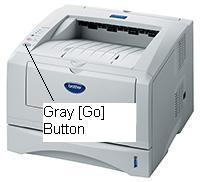
Press the gray[Go] button until all the lights light up then release the button.
Close the door and your drum life counter is reset to 100%.
Press the [Clear/Back] button.
The LCD screen will show
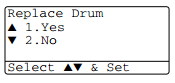
Press [1] to reset the drum counter
The LCD screen will show
"Accepted"
You may now close the printer door and your drum counter is set to 100%
We hope you find this hepful